
This document is the user manual of JBL CINEMA SB160, which introduces the characteristics of the product, including connection, use, setting, etc.
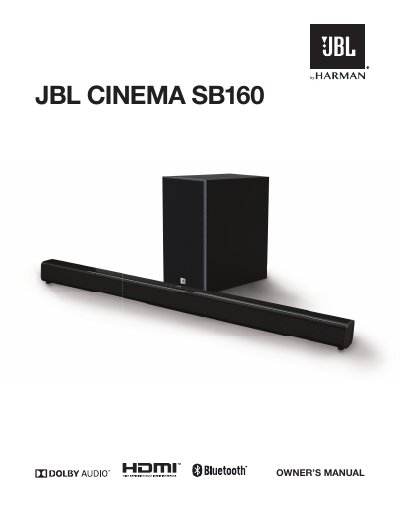
The JBL Cinema SB160 is a home entertainment soundbar designed to deliver an extraordinary audio experience. The document guides users through unboxing, connecting the unit via HDMI ARC or Optical cable, and pairing it with the wireless subwoofer.
Once connected, the manual details how to operate the system using the remote control or on-unit buttons, including switching between Bluetooth, Optical, and HDMI ARC modes. It also covers sound settings for different content types (Music, Movie, News) and provides troubleshooting tips.
| Power Input | AC~ Socket |
|---|---|
| Bluetooth Range | 27 ft / 8m |
| Remote Battery Type | CR2025, 3V Lithium battery |
You can connect using an HDMI cable to the HDMI ARC socket or an optical cable to the OPTICAL socket.
Plug both units into mains sockets and press the power button; they will automatically pair.
The default PIN code is 0000.