
The JBL 4349 studio monitor user manual provides setup, connection, adjustment, and maintenance instructions for the 12‑inch two‑way bookshelf speaker.
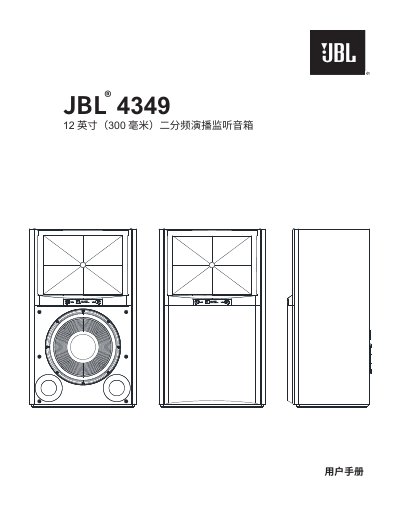
The JBL 4349 is a two‑way large bookshelf studio monitor designed for home use. This manual guides you through unpacking, placement, wiring, and care to achieve optimal performance.
Key sections cover speaker positioning, various wiring methods (bare wire, pin, flat splice, banana plug), dual‑wire and dual‑amplifier configurations, front‑panel HF/UHF controls, and maintenance tips such as cleaning and handling the grille. This manual is written in Chinese.
| Speaker type | Two‑way large bookshelf monitor |
|---|---|
| Low‑frequency driver | 12" (300 mm) JW300PG‑8 |
| High‑frequency driver | 1.5" (38 mm) D2415 K |
| Recommended amplifier power | 25‑200 W RMS |
| Frequency response (‑6 dB) | 32 Hz – 25 kHz |
| Dimensions (H × W × D) | 29" × 17‑1/2" × 13‑1/2" (737 mm × 445 mm × 343 mm) |
| Weight | 83 lb (37.7 kg) |
Place the speakers 6‑8 ft (1.8‑2.4 m) apart, angle them 40‑60° toward the listening position, keep at least 20 in (50 cm) from side walls, and avoid heat sources or direct sunlight.
The speaker accepts gold‑plated jumpers, bare wire, pin connectors, flat splice plates, and banana plugs; always observe polarity (+ red, – black) and secure the jumpers to prevent short circuits.
Use the front‑panel controls to adjust HF and UHF levels; set both controls to 0 dB to restore factory defaults.