
E40BT Quick Start Guide, introduces the product's connection, power on/off, volume, music control, call control and other functions
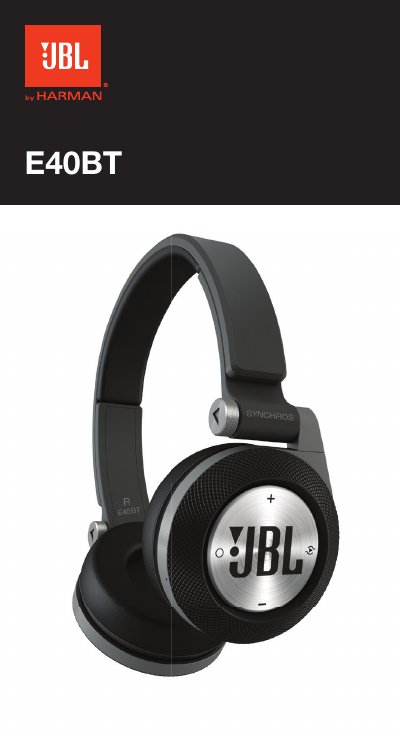
This document serves as a Quick Start Guide for the JBL E40BT wireless headphones. It provides instructions on how to turn the device on or off, pair it with a source, and adjust the volume using the Multi-function Button (MFB). The guide also details how to manage incoming calls, including answering, rejecting, and switching between two simultaneous calls.
| Driver size | 40 mm |
|---|---|
| Frequency response | 20-20kHz |
| Bluetooth range | 2.402-2.480GHz |
| Bluetooth transmitter power | <4dBm |
| Bluetooth version | 3.0 |
| Maximum SPL | 115dB @ 30mW |
| Battery type | Lithium polymer (3.7V, 600mAh) |
| Music playback time | 16 jam |
| Talk time | 24 jam |
Press and hold the power button for 0.5s to turn on. Press and hold for another 0.5s to enter pairing mode.
On the first headphone, press the ShareMe button once until the LED blinks rapidly. On the second headphone, press it twice until the LED blinks slowly.
Press and hold the Multi-function Button to hang up the current call and switch to the second call.