
This is the Aqua Rite & Aqua Rite XL Diagnostics Manual, the contents include safety instructions, how to set cell type, reset average salt level, adjusting chlorine output, high salt LED, no flow LED, no LED/LCD display, low/high cell temperature, cell cleaning instructions, troubleshooting flow charts, salt chart, software revision compatibility chart, important information - chlorine output and salt
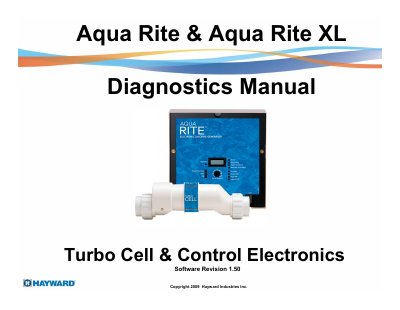
This manual provides diagnostic instructions and troubleshooting flow charts for the Hayward Aqua Rite and Aqua Rite XL control electronics and software. It details how to interpret LED indicators and LCD displays for issues such as salt levels, cell inspection, flow problems, and temperature warnings. The document includes specific procedures for resetting timers, adjusting chlorine output, and verifying cell voltage and amperage ranges.
| Ideal Salt Level | 3200ppm |
|---|---|
| Salt Level Range for Flashing LEDs | 2500-2600ppm |
| Salt Level Range for ON LEDs | 2300ppm or less |
| Cell Voltage Range | 22.0 – 26.0 VDC |
| T-15 Amp Range | 3.1 – 8.0 amps |
| Minimum Flow Rate | 11 gpm |
Press and hold the Diagnostics button until the LED goes out for approximately 3 to 5 seconds.
The High Salt LED turns on when the cell amperage is above the maximum limit or if the control is set for the wrong Turbo Cell type.
Rotate the Desired Output % dial from 1 to 100% to set the level of cell operation as a percentage of total pump/filter operating time.