
Installation instructions for Hayward OnCommand pool automation systems, covering mounting, wiring, plumbing, configuration, and startup procedures.
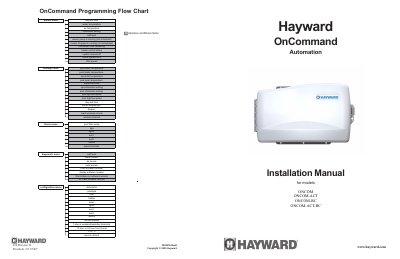
This manual provides installation instructions for the Hayward OnCommand Automation system, specifically models ONCOM, ONCOM-ACT, ONCOM-RC, and ONCOM-ACT-RC. It details the components included in the package, such as the control unit, temperature sensors, and optional actuators or remotes. The guide covers essential safety precautions, including disconnecting AC power and proper grounding requirements.
| Warranty Period (Residential) | three (3) years |
|---|---|
| Warranty Period (Commercial) | one (1) year |
| Grounding Conductor Size | minimum 8 AWG |
| Temperature Sensor Cable Length | 15 ft. (5m) |
Push the SERVICE button once on the main unit keypad to disable all automatic control operation.
The display indicates the filter pump is on for heater cooldown, and the pump automatically turns off after 5 minutes.
Proof of purchase is required, and the manufacturing date code is used if written proof is not provided.