
Diagnostics and troubleshooting guide for Hayward Aqua Trol Turbo Cell & Control Electronics, covering salt checks, LED indicators, and pump troubleshooting.
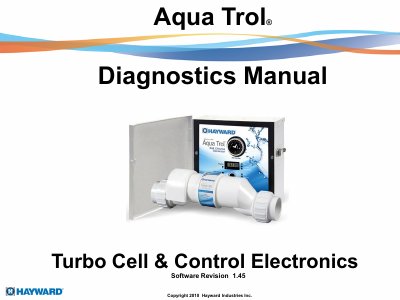
This manual provides diagnostic instructions for the Hayward Aqua Trol Turbo Cell & Control Electronics system, specifically Software Revision 1.45. It covers four models (AQ-Trol-HP, AQ-Trol-RJ, AQ-Trol-HP-TL, AQ-Trol-RJ-TL) and explains how to interpret LED flashing or ON states to check salt levels and inspect the cell. The document details procedures for resetting average salt levels, adjusting chlorine output, and troubleshooting issues such as high salt, no flow, and cell temperature problems.
| Pool Capacity | up to 18,000 gallons |
|---|---|
| Power Input | 120VAC |
| Flow Switch Requirement | at least 11 gallons |
| Cell Voltage Range | 22.0 – 26.0 VDC |
| Cell Amperage Range | 2.5 – 4.00 amps |
| Maximum Current Shutdown | 4.0 amps |
The ideal salt level is 3200ppm.
Press and hold the Diagnostics button until the LED goes out for approximately 3 to 5 seconds.
It indicates the salt level is between 2400 and 2700ppm, but chlorine is still being produced.
The output stops completely at 50 ° F.