
This manual introduces the features and usage methods of the Honeywell AIR GENIUS 4 Compact Tower Air Purifier/Odor Reducer HFD280 series
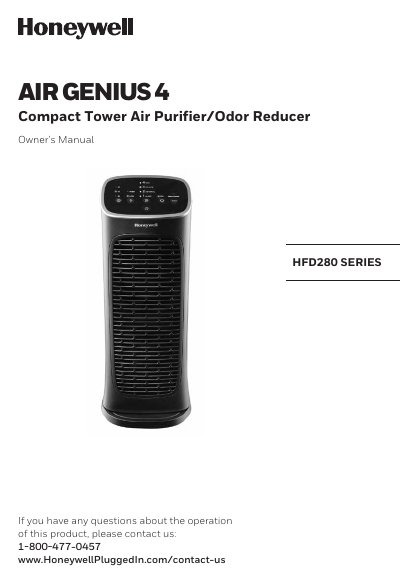
The Honeywell Air Genius 4 is a compact tower air purifier designed to reduce odors and airborne particles. It features a three-stage cleaning system including a washable pre-filter, a permanent ifD filter for microscopic particles like dust and pollen, and an electronic ionizer. The unit offers multiple cleaning levels ranging from Sleep mode for quiet operation to Max level for rapid air cleaning.
| Cleaning System Stages | 3-stage cleaning system |
|---|---|
| Pre-Filter Replacement Interval (Optional) | Every 3 months |
| Main Filter Cleaning Interval | Every 3 months |
Plug the unit into power while it is OFF, press and hold the CHECK FILTERS RESET button for 3 seconds until the red LED flashes twice and shuts off.
No, you should place the unit near the outlet and avoid using an extension cord to reduce safety risks.