
This file introduces the Genex™ multi-screen switcher's quick start guide, including basic configuration and system usage methods
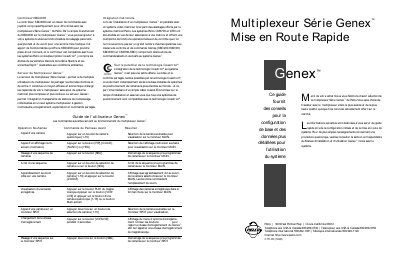
This document serves as a quick start guide for configuring and using the Pelco Genex™ multiplexor series. It details how to operate the front panel buttons, including functions for camera selection, multi-screen displays (Multi-view), sequences, zooming, and VCR playback control.
The guide covers initial setup steps, such as verifying connections and powering on the unit, which defaults to a universal VCR compatibility mode. It also explains how to access system programming menus via the [VIEW] button for customizing settings like time/date and camera titles, and mentions optional integration with the KBD4000 controller. This manual is written in French.
The Genex™ passes through a universal VCR compatibility mode by default.
Press and hold the [VIEW] button for three seconds to display the programming menu on the MAIN monitor.