
Scout VS600 is a video transmission device launched by FrSky. It is equipped with a switchable power output and operating band and channel. Paired with a FrSky radio transmitter, the parameters can be adjusted conveniently through the gTrans.lua script.
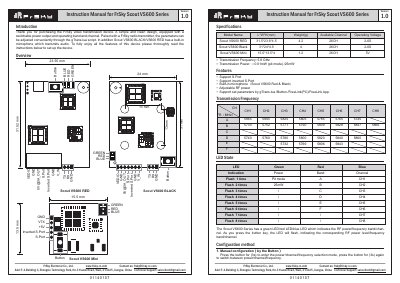
This manual provides instructions for the FrSky Scout VS600 Series video transmitter, which supports S.Port and inverted S.Port connections. The device features a built-in microphone for audio transmission and allows parameter adjustment via the gTrans.lua script, FreeLink PC software, or FreeLink App.
| Transmission Frequency | 5.8 GHz |
|---|---|
| Transmission Power | 0.01mW (pit mode) / 25mW |
| Operating Voltage | 2-6S |
| Available Channel | 26CH |
Parameters can be adjusted conveniently through the gTrans.lua script, FreeLink PC software, or FreeLink App.
Yes, the Scout VS600 BLACK and RED models have a built-in microphone which transmits audio.
Pit Mode allows the user to power up the video transmitter during race events without interfering with other users while still allowing settings changes.