
This manual introduces the features and characteristics of FrSky ARCHER GR8 receiver, including the receiver's LED status, functions, specifications, and compatibility.
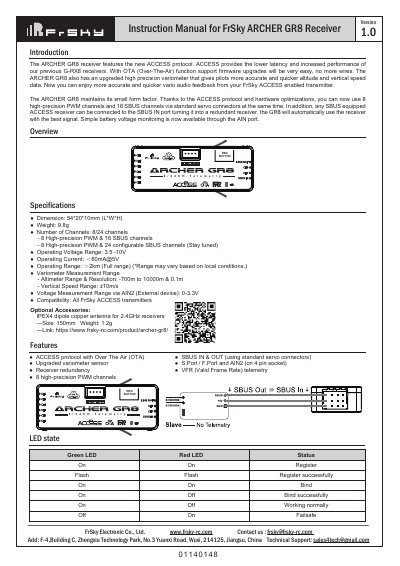
The FrSky ARCHER GR8 is a receiver featuring the ACCESS protocol with Over The Air (OTA) firmware upgrades. It includes an upgraded variometer sensor for accurate altitude and vertical speed data, as well as receiver redundancy capabilities.
The device supports 8 high-precision PWM channels and up to 24 configurable SBUS channels via standard servo connectors. Users can bind the receiver using a Smart Match procedure or switch between FS (failsafe) and HS (high-speed) modes through the transmitter options. This manual is written in Chinese.
| Dimension | 54*20*10mm (L*W*H) |
|---|---|
| Weight | 9.8g |
| Operating Voltage Range | 3.5 -10V |
| Operating Current | <60mA@5V |
| Operating Range | >2km (Full range) |
The factory default is FS mode; to change it, go to the receiver [Options] in the transmitter menu and select 7ms PWM or keep the default.
The receiver operates within a voltage range of 3.5 to 10V.
The stated operating range is up to 2km, though this may vary based on local conditions.
The green LED stays lit while the red LED turns off to indicate normal operation.