
This manual provides instructions for installing and operating the Facility Status Display (FSD). The FSD is a display that shows information about the E2 facility management system, including alarms, temperatures, occupancy, case status, and setpoints.
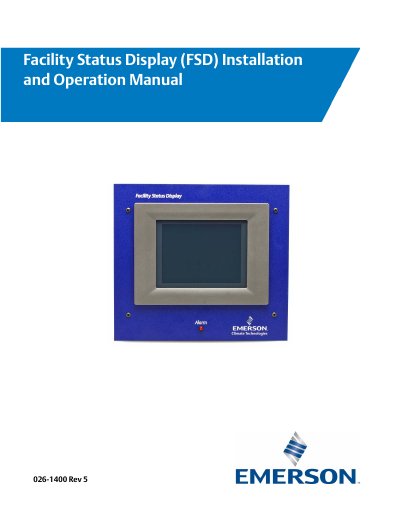
The Facility Status Display (FSD) is a compact unit designed to report alarm information and vital system data, such as temperatures and occupancy, by communicating with an E2 controller via Ethernet. It features a 6-inch LCD touch screen, an audible alarm buzzer, and a red alarm LED to provide a centralized view of store information for service technicians and managers. The device supports remote software upgrades and can be mounted in a separate location from the E2 controller.
| Screen Size | 6 inch LCD touch screen |
|---|---|
| Voltage Input | 120VAC, 208VAC, or 240VAC |
| Maximum Current | 1.0 amp |
| Operating Temperature | 32 to 122°F (0 to 50°C) |
| Storage Temperature | -4 to 140°F (-20 to 60°C) |
| Maximum Ethernet Cable Length | 328 feet (100 meters) |
| Mounting Hole Dimensions | 9" x 8" |
The default code is 400.
No, programming through UltraSite is not supported.
The minimum E2 firmware revision required is 2.65F01.