
This document provides instructions on setting up and adjusting UNxx2 series displays for video wall applications.
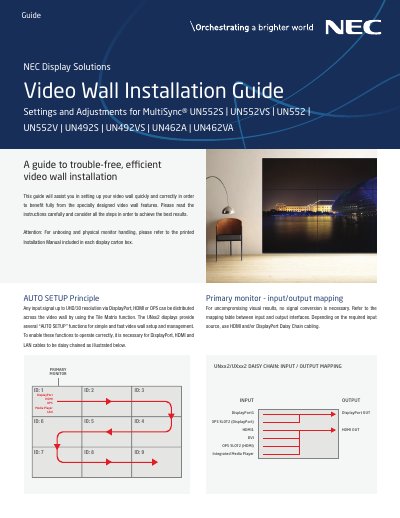
This guide assists users in setting up NEC UNxx2 Series displays into a video wall configuration quickly and correctly. It details the necessary cabling setups, including LAN and DisplayPort daisy chains, to enable the AUTO SETUP functions for signal distribution and management. The document explains how to configure the primary monitor to control the entire wall via network management systems or remote kits.
| Supported Resolutions | UHD/30 |
|---|---|
| Input Interfaces | DisplayPort, HDMI, OPS |
| Recommended Calibration Size | up to 3x3 displays |
Hold the REMOTE ID SET key, press the "0" button, then release REMOTE ID SET.
Connect the LAN cable to the LAN 1 input on the first monitor and the LAN 2 output to the next monitor.
Navigate to MULTI-DSP > AUTO TILE MATRIX SETUP, set the number of monitors, and select ACTIVATE.