
This file is an accessory list for MultiSync LCD monitor, including power cord, video signal cable, USB cable, audio cable, ControlSync cable, manual, CD-ROM
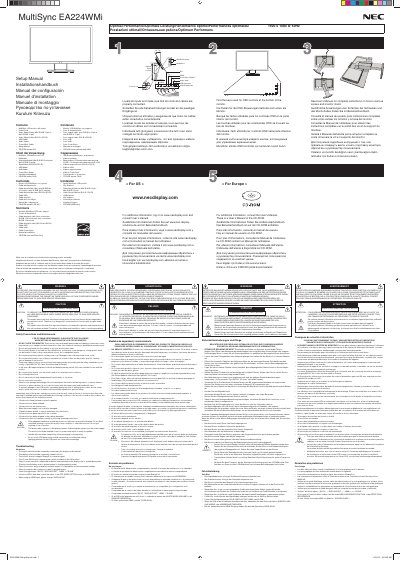
This document is a multi-language setup manual for the NEC MultiSync EA224WMi LCD monitor. It lists the contents of the package, which includes the monitor with stand, power cord, video signal cables (Mini D-SUB and DVI-D), USB cable, audio cable, ControlSync cable, and installation instructions.
The guide covers essential setup steps such as verifying all components are present before assembly, connecting inputs properly, and ensuring adequate ventilation. It also details safety precautions to prevent fire or shock hazards, warnings against opening the cabinet due to high voltage components, and specific conditions under which qualified service personnel should be contacted.
The monitor supports a resolution of 1920 x 1080 at a refresh rate of 60Hz.
A Type HOSVVF 3G 1mm power cord must be used in Europe.
You must unplug the monitor and refer servicing to qualified personnel if the stand is cracked, the monitor has been spilled on, or if it has an unusual odor.