
This manual introduces the hardware characteristics and installation, operation, and maintenance methods of Q-SYS NC series cameras.
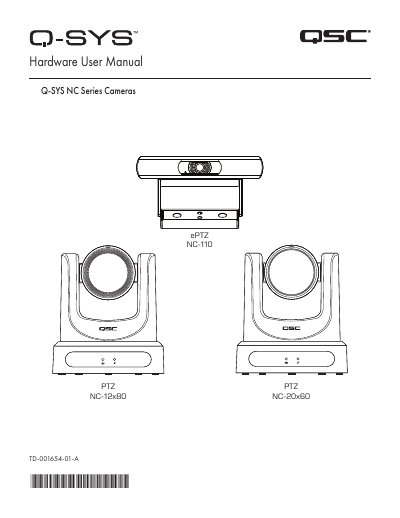
This manual provides hardware instructions for the QSC Q-SYS NC Series cameras, specifically the NC-110 ePTZ, NC-12x80 PTZ, and NC-20x60 PTZ models. It details the contents of the box, safety warnings, and general product information such as the expected product life cycle and storage conditions.
| Expected Product Life Cycle | 10 years |
|---|---|
| Storage Temperature range | –-20°C to +60°C |
| Relative Humidity | 5 — 85% RH non-condensing |
| Power Supply (NC-1 2x80/NC-20x60) | 12VDC 1A |
| Video Output Max (3G-SDI) | 1080p60 |
| Video Output Max (HDMI) | 4K30 |
Use a paperclip to press and hold the Factory Reset pin-hole for 5 seconds.
It is used to identify the product in Q-SYS Designer Software and Q-SYS Configurator.
No, they support the usage of either HDMI or SDI, but not both simultaneously.