
This Quick Start Guide introduces you to the general layout of the Cisco WAP371 Wireless Access Point, describes how to deploy the device in your network, and describes how to configure the device.
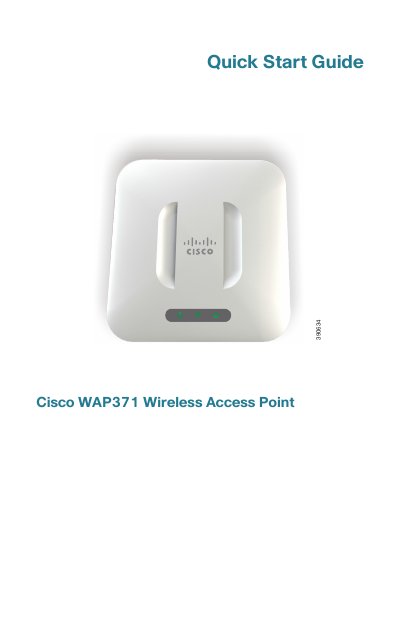
The Cisco WAP371 is an indoor dual radio 802.11ac + 802.11n access point designed for deployment in networks. This Quick Start Guide helps users familiarize themselves with the device layout, deploy it in their network, and perform the initial configuration. The document outlines the package contents, required equipment, and default settings.
| Radio Standards | 802.11ac + 802.11n |
|---|---|
| Ethernet Port | Gigabit Ethernet (802.3) |
| Power Options | PoE or 12V DC jack |
| Default Username | cisco |
The default username is cisco and the default password is cisco.
No, the default configuration has the Wi-Fi radio turned off.
Yes, it can be powered using PoE through the RJ-45 Ethernet port.