
This guide provides instructions on how to set up and manage the Cisco RV320/RV325 Gigabit Dual WAN VPN router. It covers basic configuration, such as setting up the network, configuring the firewall, and configuring advanced features.
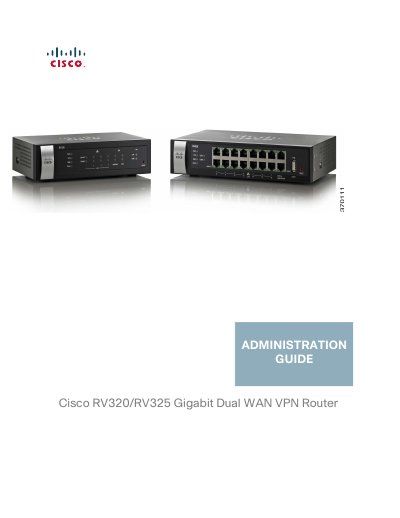
This Administration Guide covers the setup and management of the Cisco RV320 and RV325 Gigabit Dual WAN VPN Routers. It includes instructions for using the Getting Started window, running the Setup Wizard, and configuring system settings such as network parameters, security, and user management. The document details procedures for configuring Dual WAN connections, bandwidth management, and various security features including firewalls and VPNs.
You need a PC with Internet Explorer (version 6 and higher), Firefox, or Safari for Mac.
The default IP address is 192.168.1.1.
The default user name is cisco and the default password is cisco (lowercase).