
The Extech PH220 waterproof pH/mV meter is a microprocessor-based device ideal for field use. It simultaneously displays pH and temperature, has built-in memory, and a magnetic holster.
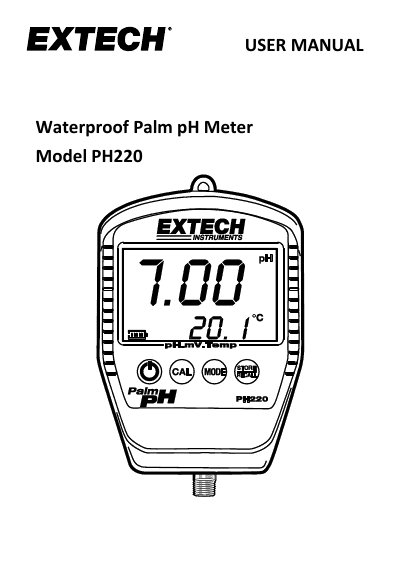
This manual provides instructions for the Extech PH220 waterproof pH/mV meter, a microprocessor-based device ideal for field use. It features a dual LCD display for simultaneous pH and temperature readings, a built-in memory for 25 readings, and automatic temperature compensation (ATC). The device is powered by a 9V alkaline battery and includes a rubber holster with a magnetic backing for convenient mounting.
| pH Range | 0.00 to 14.00pH |
|---|---|
| mV Range | -1999mV to 1999mV |
| Temperature Range | 32 to 194°F (0 to 90°C) |
| Memory Capacity | 25 readings |
| Power Source | 9 volt alkaline battery |
| Dimensions | 4.25 x 3.00 x 1.18" |
To obtain the most accurate results possible, a pH meter should be calibrated at least once each day.
The display will show 'HHH' to indicate an open input condition.
With the power on, press and hold the on/off button for 2 seconds until 'oFF' and 'AtP' display.