
This document is the user guide for HP Color LaserJet Pro MFP M477, describing the product's appearance, control panel, screen layout, and technical specifications.
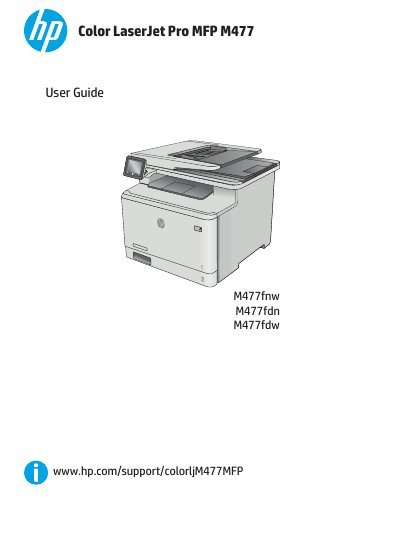
The HP Color LaserJet Pro MFP M477 is a multifunction printer designed for efficient printing, copying, scanning, and faxing. This manual provides comprehensive instructions on hardware setup, software installation, and using the touchscreen control panel to manage print tasks, mobile printing solutions, and network configurations.
The guide also details how to load paper into Tray 1 and Tray 2, replace toner cartridges, and perform maintenance such as clearing paper jams and improving print quality. It includes troubleshooting steps for common issues like misfeeds, fax errors, and image quality problems.
| Print speed (A4) | 27 pages per minute |
|---|---|
| Print speed (Letter) | 28 ppm |
| Multipurpose tray capacity | 50 sheets |
| Tray 2 capacity | 250 sheets |
| Connectivity | Ethernet LAN, USB 2.0 |
Refer to the section 'Load paper into Tray 1 (multipurpose tray)' for instructions on loading and orienting paper.
Check the pickup rollers and separation pad in the document feeder, or clear any paper jams as described in the troubleshooting section.
You can use Walk-up USB printing by accessing USB files on the printer directly via a connected USB drive.