
MF90U is a wireless data terminal product launched by ZTE Corporation. It supports multiple clients to access the network simultaneously and has network service and WLAN service functions. The product has a simple appearance, equipped with LED indicators and various buttons. It uses (U)SIM card to access the network.
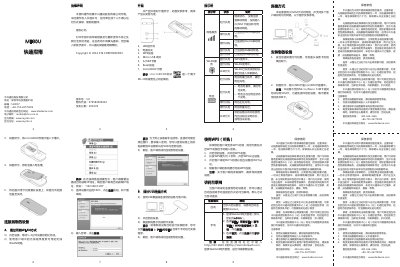
This document serves as a quick guide for the ZTE MF90U wireless data terminal. It details the physical appearance of the device, including the locations of the power switch, WPS button, and various ports. The guide also explains the status indicators for network services, WLAN, and battery levels. This manual is written in Chinese.
The default password for accessing the WebGUI webpage management is admin.
You need to press and hold the WPS key for about 3 seconds to open the WPS authentication process.