
The ZTE H513E Smart Wireless N Powerline Adapter provides up to 200 Mbps HomePlug AV data rates, two RJ‑45 ports, and built‑in security features.
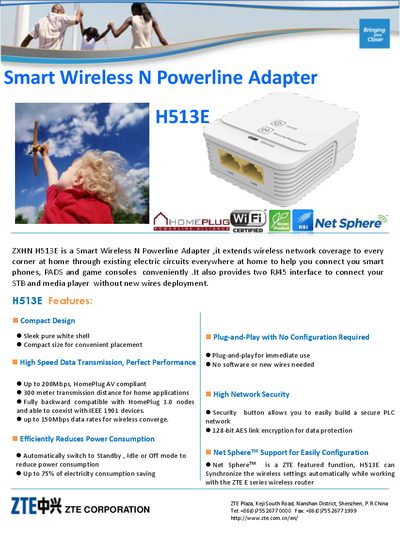
The ZTE H513E is a Smart Wireless N Powerline Adapter that extends network coverage through existing electrical wiring. It offers HomePlug AV compliance with up to 200 Mbps data rates and supports wireless N (150 Mbps) for seamless connectivity of phones, tablets, and game consoles.
The device features a compact white shell, two RJ‑45 LAN ports, a security button with 128‑bit AES encryption, and power‑saving modes that reduce consumption by up to 75 %. It operates on 100‑240 V AC, consumes less than 4 W under full load, and meets CCC and CE certifications.
| HomePlug AV Data Rate | 200 Mbps |
|---|---|
| Wireless Data Rate (802.11b/g/n) | 150 Mbps |
| LAN Ports | 2 × RJ‑45 |
| Power Consumption (full load) | < 4 W |
| Power Consumption (idle) | < 0.1 W |
| Weight | 100 g |
| Dimensions (L×W×H) | 70 mm × 60 mm × 55.2 mm |
| Operating Temperature | 0 °C – 40 °C |
| Storage Temperature | -40 °C – 70 °C |
| Encryption | 128‑bit AES |
The H513E supports up to 200 Mbps HomePlug AV data rates.
It provides two RJ‑45 Ethernet ports.
The adapter consumes less than 4 W under full load.
Yes, it supports 802.11b/g/n at up to 150 Mbps.