
Key facts
- Brand
- ZTE
- Model
- MF90
- Category
- Other Electronics
- Industry
- Computers
- Documents
- 2
- Languages
- ZH
- Last added
- 2023-03-09
Start here
ZTE MF90 Wireless Data Terminal Quick Guide
Quick Start Guide 2 pages · 2.5 MB · ZH
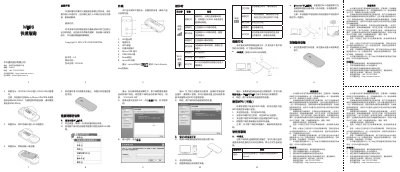
This document is a quick guide for the ZTE MF90 wireless data terminal. It describes the device's physical appearance, including the locations of the power switch, WPS button, and various ports. The guide also explains the meaning of the LED indicator lights for network service, Wi-Fi service, and battery status. This manual is written in Chinese.
Read onlineAll ZTE MF90 documents by type
Quick Start Guide 2
The shortest path to a working setup, usually only a few pages.
Questions answered in these manuals
What is the warranty period for the ZTE MF90 wireless data terminal host?
The warranty period for the wireless data terminal host is one year.
How long is the warranty period for the battery?
The warranty period for the battery is six months.
What is the default password for logging into the WebGUI management page?
The default password for accessing the WebGUI webpage management is admin.
How long must you hold down the WPS button to start the authentication process?
You need to press and hold the WPS key for about 3 seconds to open the WPS authentication process.