
Panasonic KV-S7075C High Speed Color Scanner Installation Manual

This document is about the installation of the scanner, explaining the installation method and procedures. It also includes an operating manual and software reference manuals. The operating manual explains the part names, operations, features, and maintenance of the unit. The software reference manuals include the PIE Reference Manual, RTIV Reference Manual, and User Utility Reference Manual.
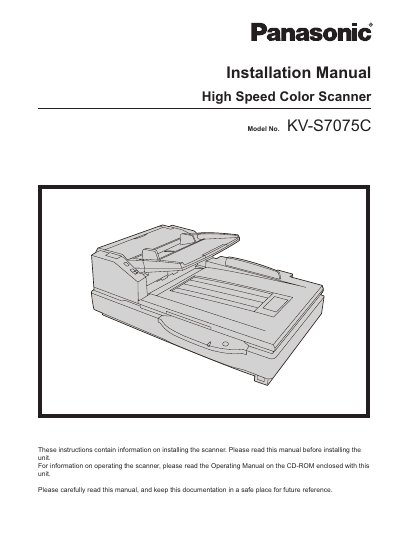

Panasonic KV-S7075C High Speed Color Scanner Installation Manual - cover page
Brand
Panasonic
Category
Scanner
Document type
Installation Guide
Language
English
Pages
20
File format
PDF
File size
1003 KB
Published
28 February, 2023
Updated
27 September, 2023
MD5 checksum
72B6B75ABBD1ED69D8DB59F7364B0B22

About this manual

This manual provides instructions for installing the Panasonic KV-S7075C High Speed Color Scanner. It covers hardware installation, software setup, and system requirements. The document also includes safety information and troubleshooting steps.

What's inside

  • Introduction
  • Abbreviations
  • International ENERGY STAR Program
  • Federal Communications Commission Requirements
  • For Your Safety
  • Installation and Relocation
  • Installing the Unit
  • Installing Software
  • System Requirements
  • Troubleshooting

Frequently asked questions

What is the maximum sound pressure level of this scanner in Germany?

The maximum sound pressure level is 70 dB(A) or less.

What are the typical wavelengths for the scanner's LED light?

The typical wavelengths are Red 630 nm, Green 534 nm, and Blue 460 nm.

How many people are required to move the unit safely?

You must use two persons to move this unit.

Download PDF (1003 KB)

More Panasonic Manuals


View all Panasonic manuals →