
This document is the user manual for SIGLENT SDS2000 series digital oscilloscopes, which includes copyright statement, trademark information, safety requirements, and terminology markings.
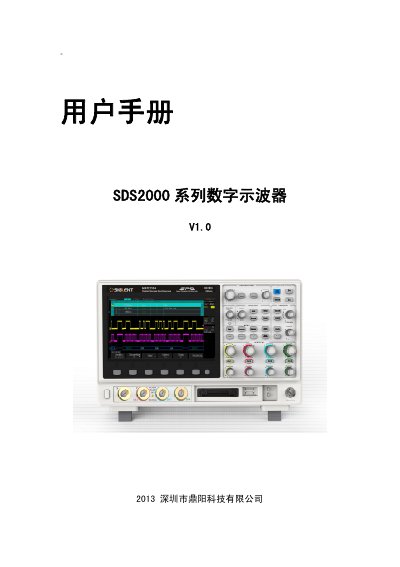
This user manual covers the SIGLENT SDS2000 Series Digital Oscilloscope, detailing safety precautions, environmental requirements, and operational procedures. It includes specific instructions on connecting power, using the device in various measurement categories, and maintaining proper ventilation to prevent damage.
The document also provides a comprehensive troubleshooting section for common issues such as failure to power on, unstable waveforms, and USB device recognition problems. Additionally, it lists specifications for the built-in signal generator and signal analyzer functions. This manual is written in Chinese.
| Input Voltage | 100~240V |
|---|---|
| Frequency Range | 45~440HZ |
| Operating Temperature | 0℃至+50℃ |
| Storage Temperature | -20℃至+70℃ |
| Relative Humidity | ≤90% (at +35℃) |
| Altitude (Operation) | 3000 meters |
| USB Capacity Limit | 4GB |
| Signal Generator Frequency | 1 KHz |
| Signal Generator Amplitude | 4 Vpp |
The instrument recommends using a USB flash drive with a capacity not exceeding 4GB.
No, the instrument does not support hard drive type USB devices; only Flash type USB devices are supported.
Check if the power connector is seated properly, ensure the power switch is pressed, and verify if the fuse has blown.