
The Siglent SDS6000 Pro series digital oscilloscope user manual provides safety, installation, operation, and troubleshooting guidance.
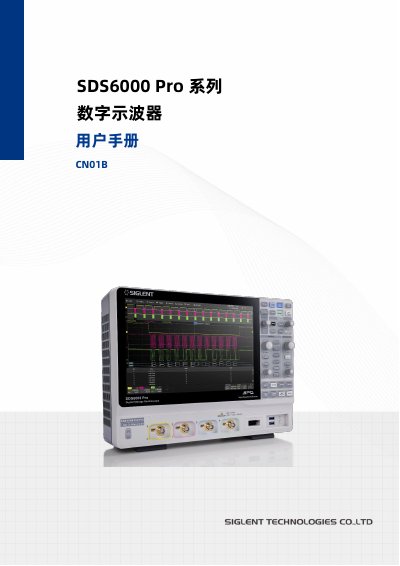
This manual covers all essential information for using the SDS6000 Pro series digital oscilloscope, including safety symbols, installation steps, power connections, and detailed operation of front‑panel controls, menus, and measurement functions.
It also explains advanced features such as serial trigger and decoding, math operations, power analysis, eye‑diagram and jitter analysis, as well as remote control options, firmware upgrades, and fault handling procedures. This manual is written in Chinese.
| AC Power Input | 100‑240 V, 50/60 Hz; 100‑120 V, 440 Hz |
|---|---|
| HDMI Output Resolution | 1280 × 800 |
| USB Flash Drive Compatibility | Flash‑type USB drives, FAT32 format only |
Check that the trigger source matches the signal channel, use edge trigger for normal signals, and set the time base so the sampling rate is at least twice the signal frequency.
Use a flash‑type USB drive formatted as FAT32; the instrument does not support hard‑disk‑type USB drives.