
This document describes how to connect a printer via Wi-Fi, connect a computer and smart devices through a Wi-Fi router, and directly connect a computer and smart devices. It also provides installation and setup guides for Windows and Mac OS.
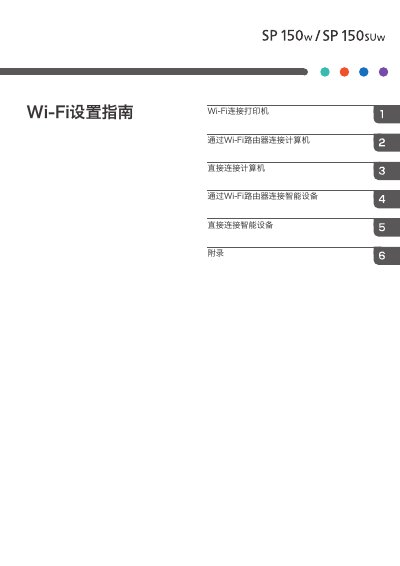
This document provides instructions for connecting the Ricoh SP150 printer to computers and smart devices using a Wi-Fi router or the printer's built-in hotspot function. It covers setup procedures for both Windows and Mac OS computers, as well as Android and iOS devices.
The guide details the installation of the printer driver and the "RICOH .Printer" software, which is required for wireless printing. It also explains how to configure the printer's Wi-Fi settings, including selecting a network and entering passwords, and how to troubleshoot common connection issues. This manual is written in Chinese.
The default administrator password is 888888.
You must press the power button three times in a row.