
This document is a user manual for a printer. It mainly introduces the printer's component guidance, printer setup, printing media, printing, copying, scanning, driver installation, printing via Wi-Fi, keypad and indicator lights, machine maintenance, troubleshooting, printer configuration, etc.
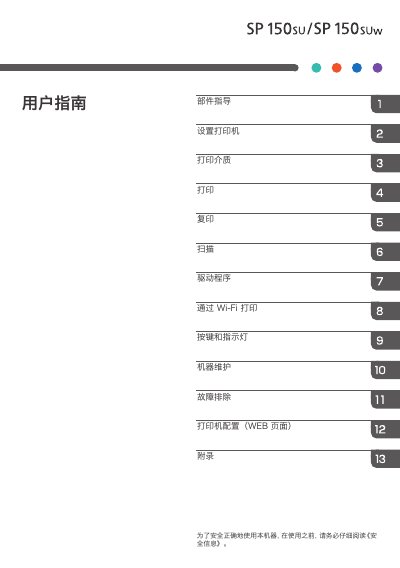
This document is the user guide for the Ricoh M291 printer. It covers essential topics such as component identification, initial setup, and operating the device for printing, copying, and scanning. The manual also details how to install the necessary drivers and software for various operating systems, including Windows and Mac OS. This manual is written in Chinese.
| Maximum Print Size | 216 mm × 356 mm (8.5 × 14 inches) |
|---|---|
| Print Speed | 22 pages per minute |
| Resolution | 600 × 600 dpi |
| Memory | 128 MB |
| Power Supply | 220-240 V, 5 A, 50/60 Hz |
| Weight | Approx. 7.5 kg |
The printer can print on paper up to 216 mm × 356 mm (8.5 × 14 inches).
The print speed is 22 pages per minute on A4 paper.
Yes, it supports Wi-Fi 802.11 b/g/n, but only on Wi-Fi models.