
This document is the user guide for the HP Officejet 4610/4620 series all-in-one printers, describing the features and characteristics of these products.
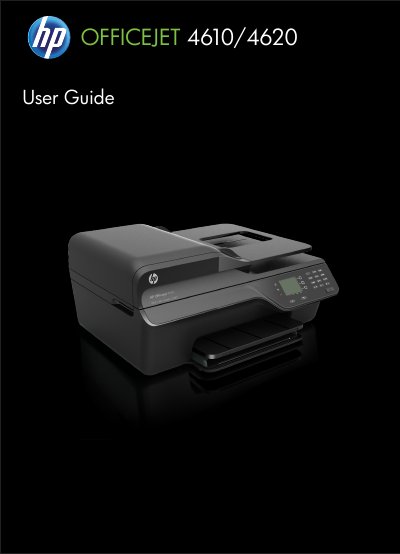
This document serves as a comprehensive user guide for the HP Officejet 4610 All-in-One and HP Officejet 4620 e-All-in-One series. It provides detailed instructions on getting started, including understanding printer parts, using the control panel, and managing power settings. The guide also covers essential operations such as printing documents and photos, scanning originals to a computer or as editable text, copying documents, and sending/receiving faxes via the control panel or HP Digital Fax features.
| Product features and capacities | See section 141 for details |
|---|---|
| Processor and memory specifications | See section 142 for details |
To scan documents as editable text, follow the specific guidelines provided in the scanning section of this guide.
You can set up HP ePrint using the HP printer software, the printer's control panel, or the embedded web server.