
This document is an installation guide for the HP Photosmart A620 series printer, providing instructions and precautions for installing the printer.
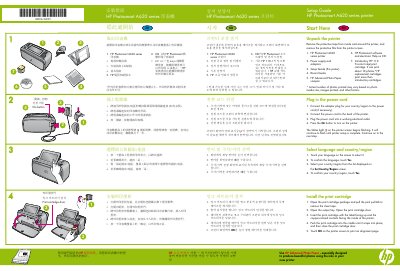
This document serves as a quick setup guide for the HP Photosmart A620 series printer. It provides step-by-step instructions for unpacking the device, connecting the power supply, and configuring the initial language and country/region settings via the printer's touch screen. The guide also details the installation of the included HP 110 Tri-color Inkjet print cartridge and the printing of an alignment page to ensure proper print quality.
The introductory HP 110 Tri-color Inkjet print cartridge can print about 10 photos.
The memory card light flashes and then remains solid green when the card is inserted correctly.
Adjust the paper-width guide to fit close to the right edge of the paper without bending it.