
This document is the user manual for AOC LCD monitor, including safety sign conventions, power usage, installation, and cleaning.
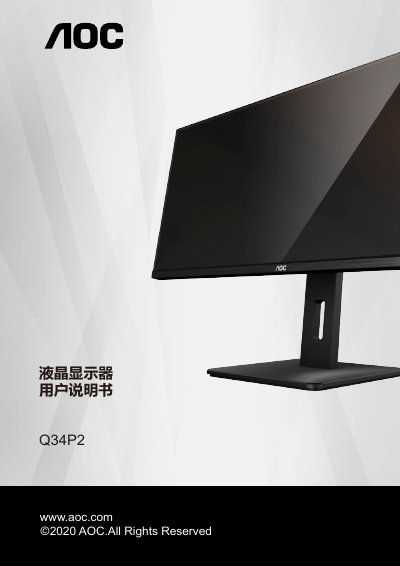
The document serves as a user guide for the AOC 1Q34P2 LCD monitor. It provides instructions on safety precautions, power usage, physical installation of the stand and base, cleaning procedures, and general operating guidelines to prevent damage or eye strain.
The manual details how to adjust viewing angles, connect the display using HDMI or DP interfaces, and configure various picture settings via the On-Screen Display (OSD). It also includes a troubleshooting section for common issues and lists technical specifications such as resolution, power consumption, and environmental operating conditions. This manual is written in Chinese.
| Panel Type | TFT Color LCD |
|---|---|
| Viewable Image Size | 86.7 cm diagonal |
| Recommended Resolution | 2560x1080 @60Hz |
| Maximum Resolution | 2560x1080 @75Hz |
| Power Input | 100-240V~, 50/60Hz, 1.5A |
| Typical Power Consumption | 40W |
The recommended resolution is 2560x1080 at 60Hz.
The monitor features HDMI and DP interfaces for video input.
At least 12 inches (30cm) of space should be left on all sides.