
This document is the user's guide for the Brother QL-1050/1060N label printer, providing instructions on how to use the printer and information on registration and support.
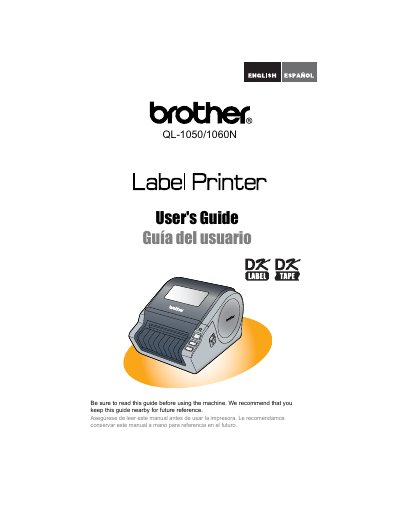
Thank you for purchasing the Brother QL label printer. This guide describes how to use the device and recommends reading it carefully before use. It also provides instructions for online user registration via http://registermybrother.com/ or the included CD-ROM.
The document includes a Federal Communications Commission (FCC) Declaration of Conformity for USA models, specifying that the device complies with Part 15 of the FCC Rules as a Class B digital device. It also outlines the Brother Two-Year Limited Warranty and Replacement Service policy.
The warranty covers the machine for two years starting from the original purchase date.
The warranty lasts for 90 days from the original purchase date or the rated life of the consumable, whichever comes first.
You must report the issue to the P-touch Customer Service Hotline at 1-877-BROTHER (1-877-276-8437) or a Brother Authorized Service Center.