
This document is a user manual for the AOC C32V3H LCD monitor. It provides instructions on installation, cleaning, and settings, as well as information on the specifications and troubleshooting of the monitor.
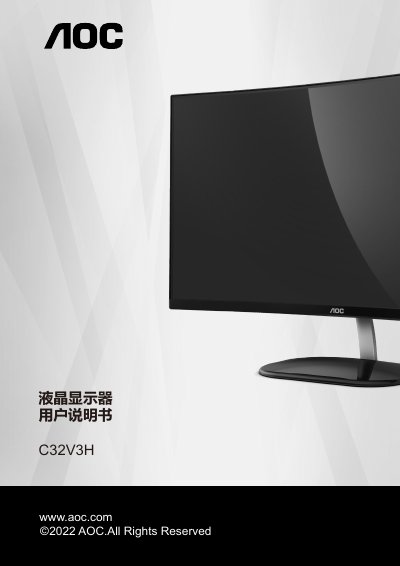
The document serves as a comprehensive guide for the AOC C32V3H LCD monitor. It provides instructions on safety precautions, power usage, physical installation of the stand, and cleaning procedures to ensure proper operation and longevity of the device.
The manual details how to adjust the viewing angle within specific limits (-5° to 18°), connect various signal cables including HDMI and D-SUB, and configure the On-Screen Display (OSD) menu. It covers image settings such as brightness, contrast, color, and picture boost, along with troubleshooting steps for common issues. This manual is written in Chinese.
| Panel Type | TFT Color LCD |
|---|---|
| Viewable Image Size | 80.1cm diagonal |
| Recommended Resolution | 1920x1080@60Hz |
| Power Consumption (Typical) | 36W |
| Operating Temperature | 0°~40° |
The recommended resolution is 1920x1080 at 60Hz.
The monitor should operate within a temperature range of 0° to 40°.