
This document introduces the main specifications and features of Panasonic's LX-111 series of simple color mark sensors. The product weighs approximately 110g and has a cable-type connection, with a packaging weight of approximately 55g. The operating environment temperature is -10 ~ +55℃, and the humidity is 35 ~ 85%RH. The sensor has an IP67 protection structure and is suitable for industrial environments. There are two output options: NPN and PNP.
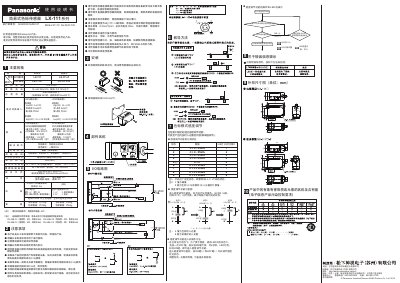
The Panasonic LX-111 Series is a simple color mark sensor designed to detect marks based on coincidence or color mode. The device features an operation panel with ON/OFF buttons for setting sensitivity and includes an orange LED indicator to show the work state (ON, OFF, RUN GOOD, or RUN ERR). It supports both NPN and PNP output types. This manual is written in Chinese.
| Power consumption (Mark mode) | 850mW or less (at 24V DC, 35mA or less) |
|---|---|
| Operating voltage range | 12 to 24V DC ±10% |
Press the OFF key once when the LED is off, then press and hold the ON key for about 6 seconds until the LED lights up.
The number of times the LED flashes indicates the current threshold condition (e.g., 5 flashes means C = C, while 1 flash means C = C - D*80%).