
This document is an installation and operation guide for a specific model of electronic entry lock with knob. It provides information on the tools required for installation, as well as step-by-step instructions for installation and operation of the lock.
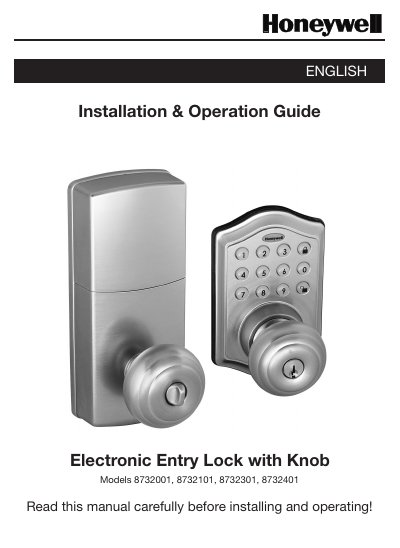
This manual provides instructions for installing Honeywell electronic entry locks with knobs, models 8732001, 8732101, 8732301, and 8732401. It details the required tools, door preparation, and step-by-step assembly of the exterior and interior components, including wiring connections and battery installation.
| Battery Type | 4 AA high quality Alkaline batteries |
|---|---|
| Default Programming Code | 123456 |
| Default User Code | 1234 |
| User ID Range | 01-50 |
| User Code Length | 4-8 digits |
| Backset Options | 2-3/8" (60mm) or 2-3/4" (70mm) |
The factory default programming code is 123456.
You can add up to 50 new user codes.
The lock requires 4 high quality AA alkaline batteries.