
This document describes the features and characteristics of the Honeywell Wi-Fi programmable thermostat, including remote monitoring and control capabilities, and compatibility with various 24-volt systems.
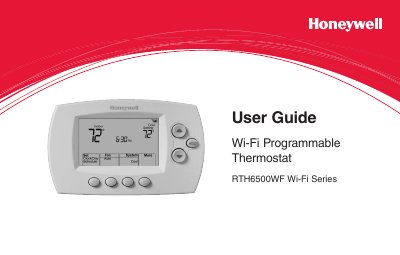
The Honeywell RTH6500WF is a Wi-Fi programmable thermostat designed to monitor and control heating and cooling systems remotely via the Total Connect Comfort Solutions app. It supports common 24-volt systems, including forced air, hydronic, heat pump, oil, gas, and electric systems, but is not compatible with millivolt or high-voltage baseboard systems.
The manual provides detailed instructions on installing the device, connecting it to a Wi-Fi network, and registering it online. It also explains how to set up energy-saving schedules, adjust temperature settings, configure fan modes, and use special features like Smart Response Technology and compressor protection.
It works with common 24 volt systems such as forced air, hydronic, heat pump, oil, gas, and electric.
You might need a No. 2 Phillips screwdriver, a small pocket screwdriver, a pencil, and a level.
The screen stays lit for 8 seconds after you complete changes.