
This document is the user manual for Philips MCD170/98 Mini Home Theater System, which introduces the functions and usage of the product. The manual includes instructions on product connection, playback, volume adjustment, setting adjustment, etc.
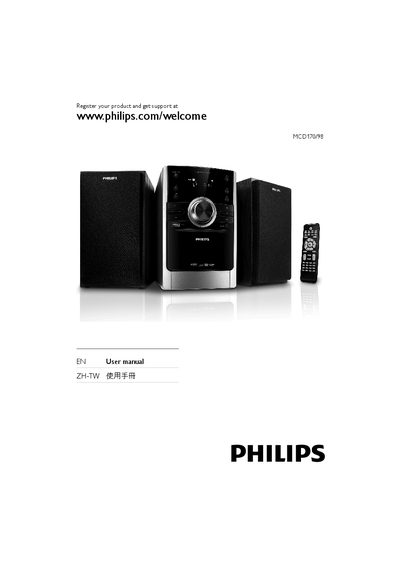
This user manual guides you through the installation and everyday use of the Philips MCD170/98 DVD Micro Theater. It covers safety precautions, product overview, wiring, remote‑control functions, playback options and radio operation.
The document also provides detailed specifications, supported media formats, and a troubleshooting section to help resolve common issues such as disc errors, audio problems, or remote‑control failures. This manual is written in Chinese.
| Audio output options | Digital coaxial, analog RCA, headphone jack |
|---|
Visit www.philips.com/welcome and enter your product model MCD170/98 to register.
Press the CLOCK button on the remote and follow the on‑screen prompts to set the time and choose 12‑hour or 24‑hour mode.