
This is a quick start guide for a digital photo frame. It introduces the basic usage methods of the digital photo frame, including connecting the power supply, installing the stand, playing photos, playing music and playing videos.
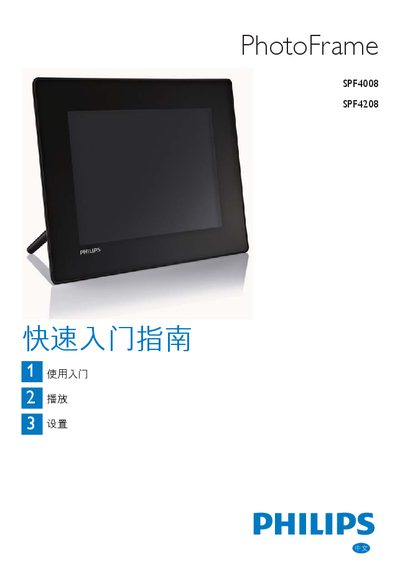
This guide walks you through the initial setup of the Philips SPF4008/4208 digital photo frame, including installing the stand, connecting the power adapter, and inserting storage media. It also shows how to navigate the main menu and use the control buttons for basic operations.
Detailed instructions cover playing photos, music, and videos, adjusting screen settings, setting the time and date, creating event reminders, and configuring automatic on/off schedules. A FAQ section answers common issues such as unsupported file formats and display behavior. This manual is written in Chinese.
| Supported photo format | JPEG |
|---|---|
| Supported music format | MP3 (MPEG Layer 3) |
| Supported video format | M‑JPEG (*.avi) |
| Supported storage media | SD, SDHC, MMC, MMC+, xD, Memory Stick, Memory Stick Pro (with adapter), USB flash drive |
| Touch screen | Not supported |
The frame only supports JPEG photos, so other formats will not be shown.
Only MP3 (MPEG Layer 3) audio files are supported; other audio formats are ignored.
The frame only plays M‑JPEG video files in *.avi format; other video formats are not compatible.