
220EW8 LCD monitor user manual, including safety measures and maintenance, installation location, general FAQs, troubleshooting, relevant regulations, other related information.
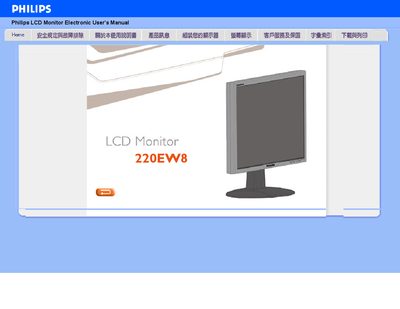
This manual explains how to safely handle the Philips 220EWV8 LCD monitor, including precautions for moving, cleaning, and protecting the screen. It also details recommended operating conditions such as temperature (0‑35 °C) and humidity (20‑80 % RH).
Installation instructions cover connecting the monitor, setting the optimal video mode (1680×1050 @ 60 Hz), using the FPadjust utility, and mounting with standard VESA holes. A FAQ section answers common issues like video‑mode errors, resetting to factory defaults, and USB connectivity.
| Recommended video mode | 1680x1050 @ 60 Hz |
|---|---|
| Operating temperature | 0‑35 °C |
| Operating humidity | 20‑80 % RH |
| VESA mounting | Standard VESA mounting holes |
| Screen surface protection | Hard coating equivalent to 2H pencil |
Set the monitor to the recommended video mode of 1680×1050 @ 60 Hz using the display settings, then restart the computer.
Press the OK button, then select "Reset" to restore all factory preset values.
Yes, the monitor has four standard VESA mounting holes for attaching to most VESA brackets.