
This document is a user manual for Casio watches, describing the functions and precautions of the watch.
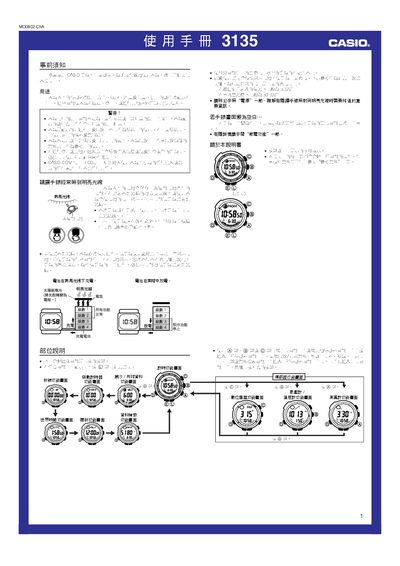
The Casio 3135 watch combines a digital compass, barometer, thermometer, altimeter and tide/moon data for outdoor activities such as hiking and sailing. Each function is accessed via dedicated button combinations and displayed on the LCD screen.
The guide provides step‑by‑step instructions for configuring time, city codes, daylight saving, sensor calibration, battery charging, power‑saving modes and data retrieval, as well as important safety notices and troubleshooting tips. This manual is written in Chinese.
| Battery charging time (indoor fluorescent light) | ≈ 50 minutes |
|---|---|
| Pressure measurement range | 260 hPa – 1,100 hPa |
| Temperature measurement range | -10.0 °C – 60.0 °C |
| Altitude measurement range | -700 m – 10,000 m |
| Height display unit | 5 m (20 ft) |
Magnetic interference from nearby metal objects, high‑voltage lines or strong magnetic fields can cause errors; move away from such sources and retry.
Enter the compass screen, press and hold the E button for about two seconds until the magnetic‑declination value flashes, then use the A (+) and C (‑) buttons to adjust the declination and confirm.
All functions stop, the watch reverts to its factory defaults, and you must charge the battery to at least level 2 before re‑configuring settings.
Open the pressure/temperature screen, press the B button, then select the desired unit (hPa or inHg) from the options.