
This document is a user manual for a Casio digital camera, which includes information on pre-use precautions, packaging content, LCD panel characteristics, and camera features.
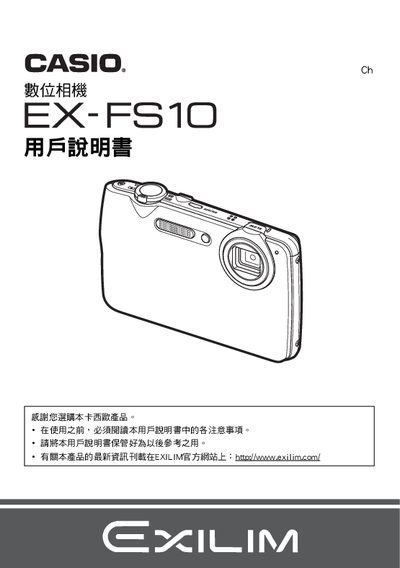
The guide begins with safety precautions and unpacking steps, describing the included NP‑60 lithium‑ion rechargeable battery, the BC‑60D charger, and how to install the battery, charge it (about 90 minutes), and power the camera on and off. It also covers basic handling, quick‑start functions, and initial charging requirements.
Later sections explain the various shooting modes, image‑quality settings, playback functions, video recording, and connectivity options such as USB transfer and PictBridge printing. The manual finishes with detailed specifications for the battery, charger, and camera dimensions, as well as date/time and language configuration procedures. This manual is written in Japanese.
| Battery type | Lithium‑ion rechargeable (NP‑60) |
|---|---|
| Battery rated voltage | 3.7 V |
| Battery capacity | 20 mAh |
| Battery operating temperature | 0 °C to 40 °C |
| Battery dimensions (W × H × D) | 37.9 mm × 42.3 mm × 5.0 mm |
| Battery weight | ≈ 18 g |
| Charger input voltage | 100 V – 240 V AC, 50/60 Hz |
| Charger output voltage | 4.2 V DC |
| Charger output current | 600 mA |
| Charger operating temperature | 5 °C to 35 °C |
| Charger dimensions (W × H × D) | 60 mm × 20 mm × 86 mm |
| Charger weight | ≈ 62 g |
Insert the NP‑60 battery, connect the supplied BC‑60D charger to an AC outlet, and charge for about 90 minutes.
Connect the camera to a computer using the USB cable, or use a PictBridge‑compatible printer for direct printing.
Use the menu to access the world‑time settings and adjust the date and time as needed.