
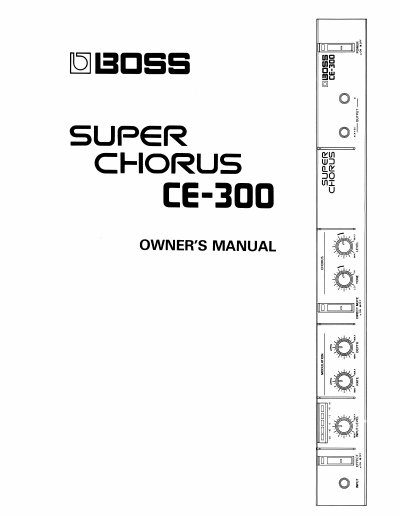
Roland CE-300 Super Chorus Owner's Manual


Roland CE-300 Super Chorus Owner's Manual - cover page
Brand
BOSS
Category
Other Electronics
Document type
User Manual
Language
English
Pages
8
File format
PDF
File size
393 KB
Published
10 August, 2012
Updated
31 August, 2012
Model
CE-3
MD5 checksum
5B77E314EDDBFF1A029D22B4207F8224

About this manual

This document is the Owner's Manual for the Roland CE-300 Super Chorus effect unit. It details the front and rear panel controls, including the Effect Switch, Input Level Control, Modulation Rate and Depth knobs, and Direct Mute Switch. The manual explains how to connect the unit to instruments, mixers, and amplifiers, noting that a microphone cannot be directly connected to the input jack.

What's inside

  • RADIO AND TELEVISION INTERFERENCE
  • Important Notes
  • PANEL DESCRIPTION
  • CONNECTION & OPERATION
  • BLOCK DIAGRAM
  • SPECIFICATIONS
  • How to mount the CE-300
  • OPTIONS

Frequently asked questions

Can a microphone be directly connected to the input jack?

No, the CE-300 has a rated input level of -20dBm, so a microphone cannot be directly connected to the Input Jack.

What happens if the signal exceeds the maximum input level?

If the signal exceeds the maximum input level of +12dBm, the created sound may still be distorted even if the input level is set to low.

Which input jack has priority if both front and rear panels are used?

If both input jacks on the front and rear panels are used at the same time, the one on the front panel has priority.

Download PDF (393 KB)

More BOSS Manuals


View all BOSS manuals →