
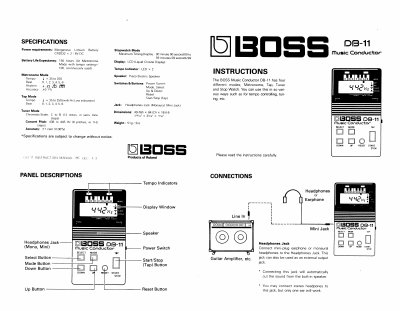
The Roland DB-11 Music Conductor is a portable device featuring four distinct modes: Metronome, Tap, Tuner, and Stopwatch. It is powered by two CR2032 manganese lithium batteries and includes an LCD display and a piezo electric speaker.
| Battery Life Expectancy | 150 hours |
|---|---|
| Metronome Beat Range | 1 to 6 |
| Concert Pitch Range | 438 to 445 Hz |
| Chromatic Scale | C to B (12 notes) |
| Stopwatch Max Display | 59 minutes 59 seconds 99 |
| Dimensions | 49 (W) x 84 (D) x 18 (H) mm |
| Weight | 51g / 20z |
Press the Mode Button intermittently until the Tuner indication flashing "%" is shown in the Display.
Use the Up or Down Button to set the tempo you like between 45 and 250.
Press the Reset Button on the panel to return the display to the default value.
It uses two manganese lithium batteries CR2032 3V's.