
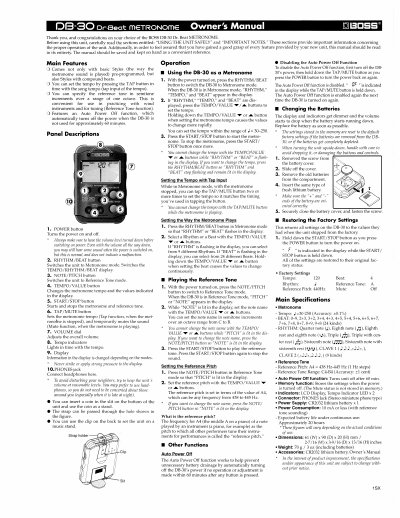
This manual provides instructions for the BOSS DB-30 Dr. Beat Metronome, a compact device designed for musicians to set tempo and reference pitch. It details how to use the unit as a metronome with various rhythms and beats, or as a reference tone generator for tuning instruments.
| Tempo Range | 30-250 |
|---|---|
| Reference Tone Range | C4-B4 |
| Auto Power Off Time | 60 min |
| Dimensions | 61 (W) x 90 (D) x 20 (H) mm |
| Weight | 70 g |
To disable the Auto Power Off function, first turn off the DB-30's power, then hold down the TAP/MUTE button as you press the POWER button to turn the power back on again.
The settings stored in the memory are reset to the default factory settings if the batteries are removed from the DB-30, or if the batteries get completely depleted.
Hold down the START/STOP button as you press the POWER button to turn the power on. F will be indicated in the display while the START/STOP button is held down.