
This document is an operating manual for the WV-CP310 and WV-CP314 models of color CCTV cameras. It provides instructions on how to configure the camera settings and install the camera.
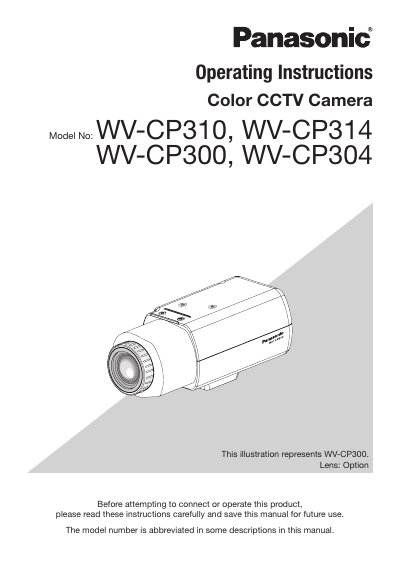
This manual provides operating instructions for the Panasonic WV-CP310, WV-CP314, WV-CP300, and WV-CP304 Color CCTV cameras. It explains how to configure various settings via the setup menu, including camera ID, light control, white balance, and motion detection. The document covers basic operations, screen transitions, and specific settings for different models.
Adobe Reader is required to read the PDF file.
The camera title can be up to 16 characters when using only English letters or numbers.
You must hold down the SET button for about 2 seconds to call up the top screen of the setup menu.