
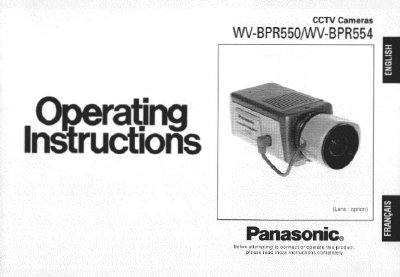
This manual provides operating instructions for the Panasonic WV-BPR550 and WV-BPR554 CCTV cameras. It details the features of the 1/3-inch interline transfer CCD image sensor cameras, including auto light control, electronic light control, and the SUPER-D function for eliminating interference from strong background lighting. The document covers remote access capabilities via RS485 site communication with Windows 95/NT systems.
| Image Sensor | 1/3-inch interline transfer CCD |
|---|---|
| Horizontal Pixels | 771 |
| Minimum Illumination (F1.4) | 0.08 lux |
| Minimum Illumination (F0.75) | 0.02 lux |
| Horizontal Resolution | 570 lines |
| Signal-to-Noise Ratio | 50 dB |
| Dynamic Range | 40 dB |
| Power Supply (WV-BPR550) | 120 V AC 60 Hz |
| Power Supply (WV-BPR554) | DC 12 V/AC 24 V |
Remote access is possible when connecting with a computer running Windows 95 or NT.
The SUPER-D function eliminates interference caused by strong background lighting, such as spotlights.
The camera should be used where the temperature is between -10°C and +50°C (14°F - 122°F).