
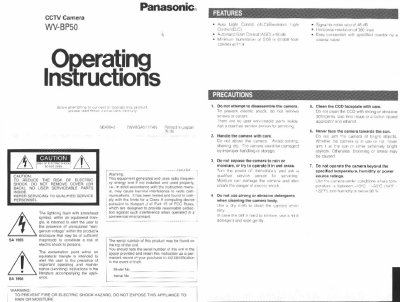
This document is the user manual for the Panasonic WV-BP50 CCTV camera. It provides instructions on safety precautions, major operating controls, and installation procedures. The manual details how to mount the camera, connect it to a monitor or drive unit using coaxial cables, and adjust the lens and flange-back for proper focus.
| Pick-up Device | Interline Transfer CCD |
|---|---|
| Scanning Area | 4.8 (H) x 3.6 (V) mm |
| Scanning System | 2: 1 interlace |
| Horizontal Resolution | 380 lines |
| Lens Mount | CS-mount |
| Ambient Operating Temperature | 10°C - +50°C |
| Dimensions (without lens) | 71 (W) x 65 (H) x 125.5 (D) mm |
| Weights (without lens) | 0.47 kg |
The maximum length for an RG-59/U coaxial cable is 200 meters (660 feet).