
Panasonic DMC-FP1/FP2 Digital Camera Operating Instructions

This manual is the basic operating instructions for Panasonic DMC-FP2, DMC-FP1 digital camera
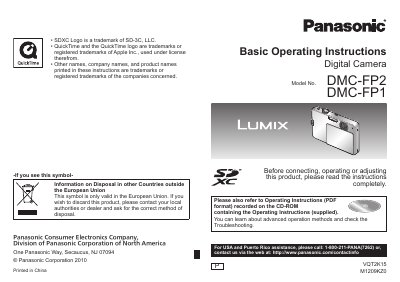

Panasonic DMC-FP1/FP2 Digital Camera Operating Instructions - cover page
Brand
Panasonic
Category
Digital cameras
Document type
User Manual
Language
English
Pages
48
File format
PDF
File size
5.1 MB
Published
09 August, 2012
Updated
30 September, 2023
Models
DMC-FP1, FP2
MD5 checksum
556725B019457DA876673FC669AB0F27

About this manual

This manual provides operating instructions for the Panasonic DMC-FP1 and DMC-FP2 digital cameras. It covers essential procedures such as charging the battery, setting the clock, and inserting the optional memory card. The guide explains how to use the built-in memory and how to operate the camera using the MODE button and MENU/SET button.

What's inside

  • Before use
  • Standard Accessories
  • Names of parts
  • Charging battery
  • Inserting and removing the card
  • Setting the clock
  • Using Quick menu
  • Using [SETUP] menu
  • Taking pictures
  • Viewing your pictures

Frequently asked questions

What must be done before using the camera for the first time?

You must charge the battery and set the clock because the battery is not charged when the camera is shipped.

Can I record pictures if I do not have an optional memory card?

Yes, you can record or play back pictures on the built-in memory when you are not using a card.

What should I avoid doing to prevent damage, malfunctions, and faults?

You must avoid exposing the camera to water, rain, or seawater because this camera is not waterproof.

Download PDF (5.1 MB)

More Panasonic Manuals


View all Panasonic manuals →