
This document introduces the operation of Panasonic digital camera DMC-FP2.
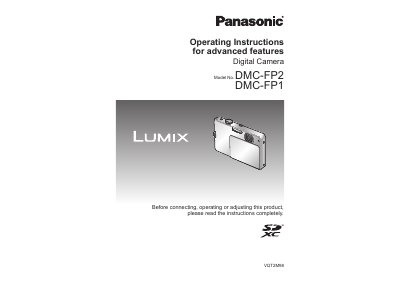
This document provides operating instructions for the Panasonic DMC-FP1 and DMC-FP2 digital cameras. It details how to use advanced features beyond basic operation, including various scene modes, exposure compensation, and image quality settings.
The manual covers procedures for taking pictures with specific modes like Intelligent Auto, Normal Picture, and Scene Mode. It also explains how to view and manage images using playback functions such as Calendar Playback, Slide Show, and Favorite Play.
The camera has a built-in memory of 11 MB.
Yes, you can take close-up pictures using the [MACRO ZOOM] function.
Place the camera into a plastic bag and allow it to adjust to conditions before use.