
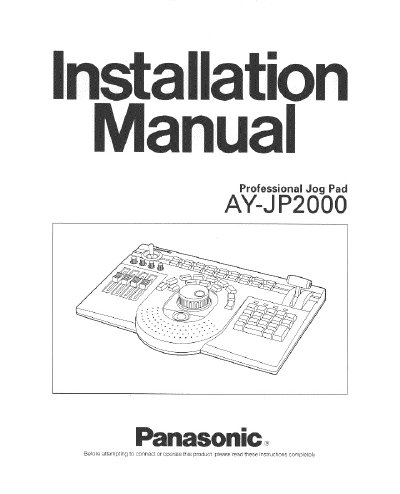
Panasonic AY-JP2000 Professional Jog Pad Installation Manual


Panasonic AY-JP2000 Professional Jog Pad Installation Manual - cover page
Brand
Panasonic
Category
Other Electronics
Document type
User Manual
Language
English
Pages
12
File format
PDF
File size
395 KB
Published
09 August, 2012
Updated
30 August, 2012
MD5 checksum
67C522419BC65B0429E02B32C8A478B6

About this manual

This manual provides installation instructions and operating guidelines for the Panasonic AY-JP2000 Professional Jog Pad. The device features a trackball, jog/shuttle dial, rotary encoders, audio faders, and various function keys designed for efficient non-linear editing and video level adjustment.

What's inside

  • Preface
  • Precautions
  • Major Operating Controls
  • Accessory Cable
  • Connections
  • Installing the Software
  • Specifications
  • Accessories

Specifications

Power SupplyDC 5V, 110mA (maximum); DC -12V 10mA (maximum)
Ambient Temperature Range32°F to 95°F (0°C to 35°C)
Ambient Humidity Range10% to 90%
WeightApprox. 4.85 lbs. (2.2 kg)

Frequently asked questions

What is the maximum power consumption of the jog pad?

The maximum power supply requirement is DC 5V at 110mA and DC -12V at 10mA.

Can the unit be operated in wet areas?

No, do not operate the unit in wet areas or expose it to rain or moisture to prevent electric shock.

What is the operating temperature range for the device?

The unit should be operated where the temperature is within 32°F to 95°F (0°C to +35°C).

Download PDF (395 KB)

More Panasonic Manuals


View all Panasonic manuals →