
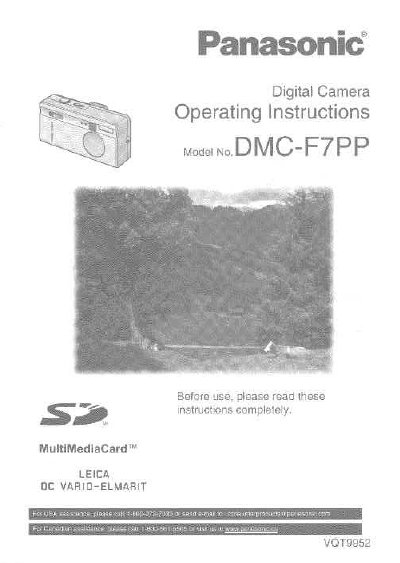
Panasonic DMC-F7PP Digital Camera Operating Instructions


Panasonic DMC-F7PP Digital Camera Operating Instructions - cover page
Brand
Panasonic
Category
Digital cameras
Document type
User Manual
Language
English
Pages
164
File format
PDF
File size
2.7 MB
Published
09 August, 2012
Updated
30 August, 2012
MD5 checksum
0BB64C1732F142C352DF8DFFA926CB65

About this manual

This document provides operating instructions for the Panasonic DMC-F7PP digital camera. It details the components included in the box, such as the SD Memory Card, Battery Pack, AC Adaptor, and USB Connection Kit. The guide explains how to insert batteries and memory cards, turn the power on and off, and attach accessories like straps or tripods.

What's inside

  • Safety
  • Components
  • Preparation
  • Recording images (basic)
  • Recording images (advanced)
  • Playback
  • Editing
  • Technical use
  • Specifications

Frequently asked questions

What memory card is included with the camera?

The package includes one 8MB SD Memory Card.

How do I turn the power on and off?

Press the REC/Power Switch to turn the camera on or off.

Download PDF (2.7 MB)

More Panasonic Manuals


View all Panasonic manuals →