
This document is a basic operating manual for Panasonic DMC-F2 digital camera, which mainly introduces the camera's operation methods, precautions and troubleshooting.
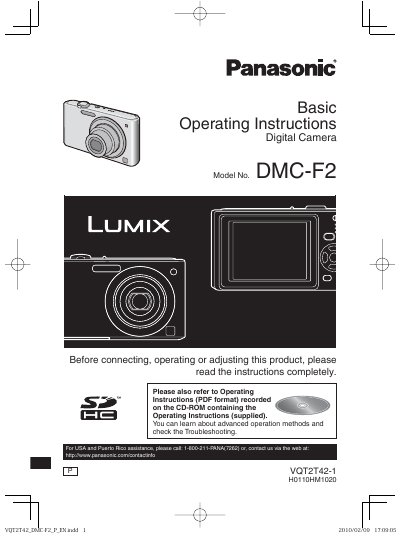
This manual provides operating instructions for the Panasonic DMC-F2 digital camera. It includes a quick guide for basic operations such as charging the battery, inserting the card, and taking pictures. The document details the standard accessories included with the camera and explains how to care for the device to prevent damage from dust, water, or condensation.
| Model Number | DMC-F2 |
|---|---|
| Product Type | Digital Camera |
No, the SD Memory Card is optional and not included in the standard accessories.
Yes, you can record or play back pictures on the built-in memory when you are not using a card.
Turn the camera off and leave it for about 2 hours until the temperature of the camera becomes close to the ambient temperature.